Post-Touch
Long before language we made meaning with our hands. This project asks what that knowledge looks like when the hand, and not a learned device grammar, becomes the interface.
- Project
- Design Project 1, Department of Design, IIT Delhi
- Subject
- Expressive gesture in touchless creative interfaces
- Role
- Concept, system design, build and study design
- Guides
- Prof. Sabyasachi Paldas and Prof. Gourab Kar
- Status
- Probe built, formal study forthcoming
The canvas in use
A painter stands a metre from the screen and works in the open air. The hand alone moves the brush, picks the colour, and clears the canvas. There is no mouse, no pen, and nothing worn on the body. What the camera sees becomes paint in the same instant.
Everything that follows, the question, the system, and the data it leaves behind, begins from this one plain fact, that a hand in front of a webcam is enough.
Origin
To create is human. The oldest marks we have are handmade. At the Cueva de las Manos in Patagonia, people pressed pigment around their own hands on the rock wall some nine thousand years ago. The gesture came first and the image followed.
We point before we can speak. We push away what we fear and shape the air to describe what we mean. The hand is, as Kant put it, the visible part of the brain.
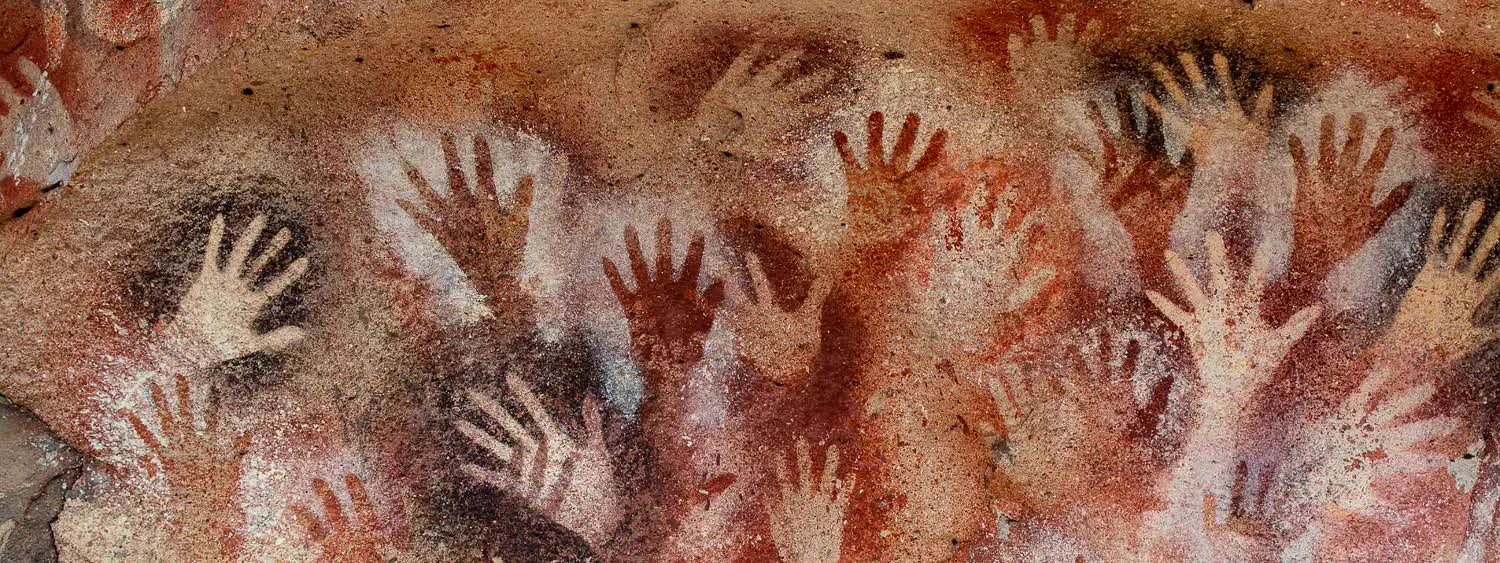
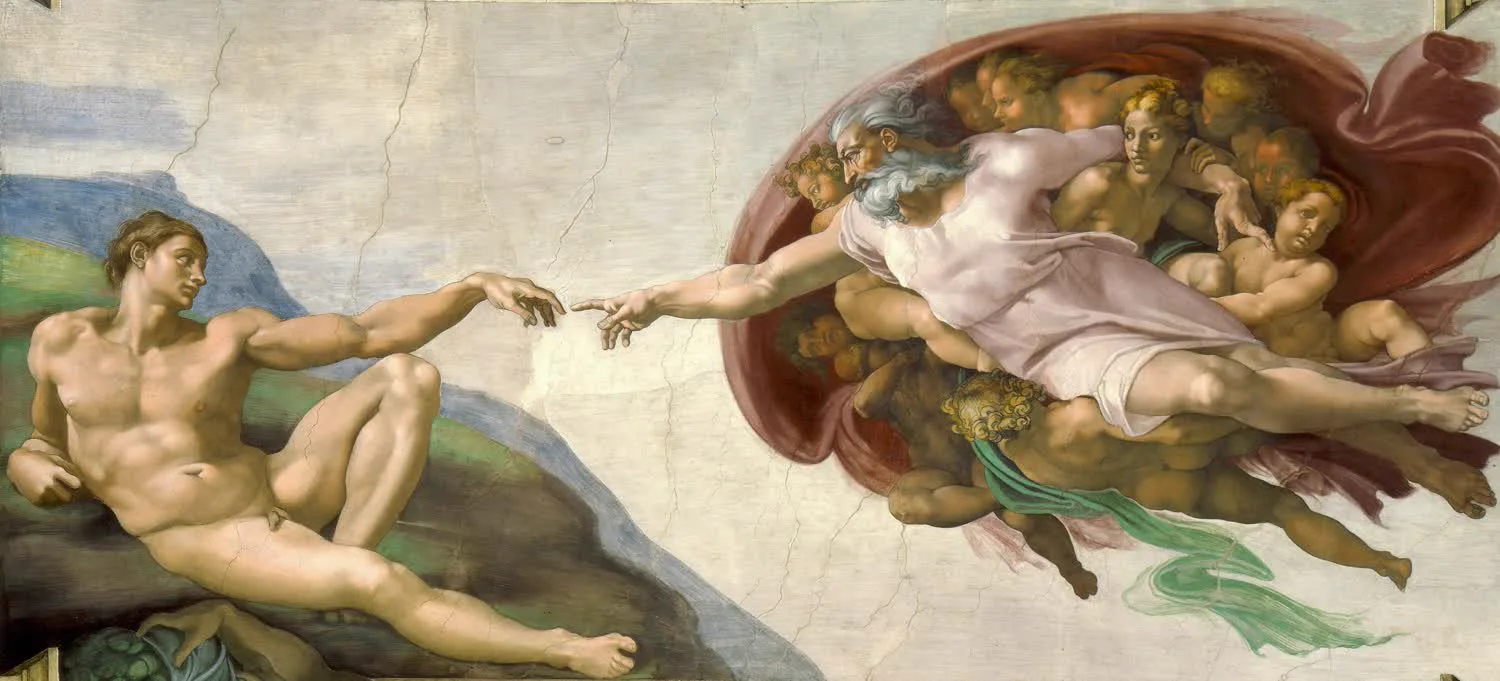
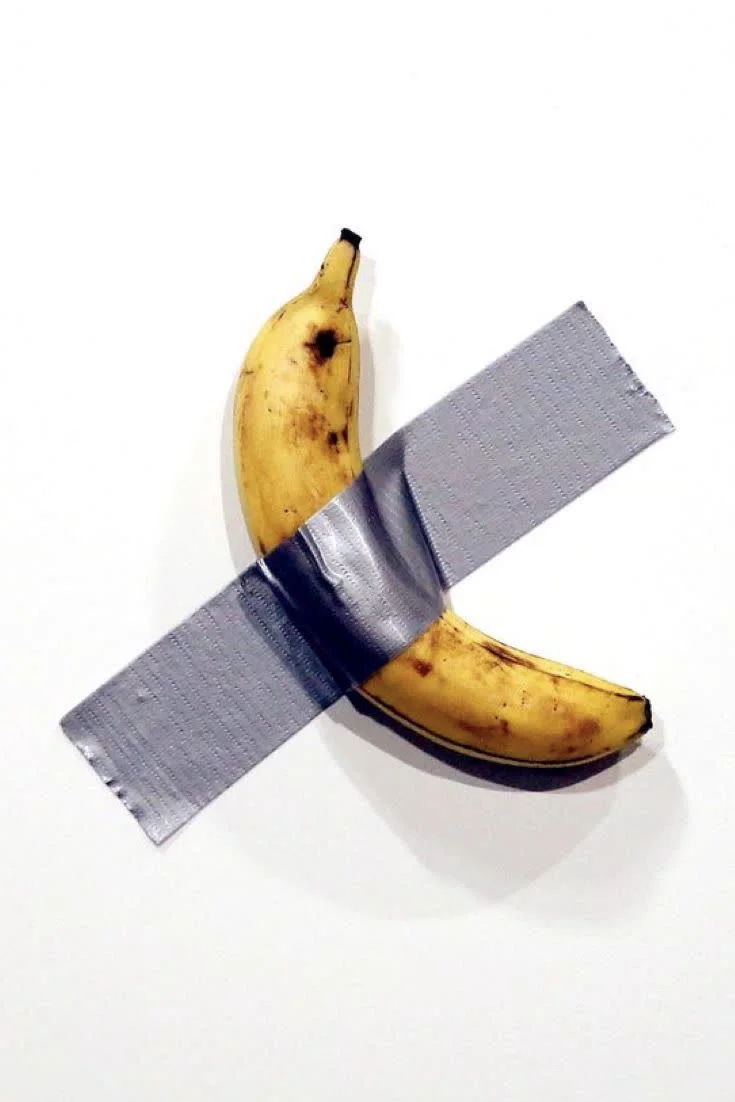
From the reach of Michelangelo's Adam to a banana taped to a wall, our most charged images are about the gesture, not the object.
The question
It began as a tool and became an instrument. Post-Touch started as a proposal for a tool, a fluid medium that would mirror the fluid nature of the hand. A canvas with no mouse and no stylus, where brush size and colour mapped to movement.
The refinement turned that tool into a research instrument. The question was no longer whether we could paint without hardware. It was what expressive gesture actually is, and why no one had measured it.
Functional gesture
Studied as a command. Swipe, pinch, point. Success is measured by accuracy, agreement, and error rate. The body is asked to be precise and repeatable.
Expressive gesture
Modulated on purpose. Precision is sometimes abandoned and rhythm carries meaning. No prior study used a generative canvas to capture it, so it stayed invisible. The gap is methodological as much as empirical.
What does expressive gesture look like when the body, and not a learned device grammar, is the interface for creative mark making?
The work rests on four ideas. Phenomenology, that the body is the site where perception and meaning happen and not a tool the mind drives. Kinematics, that speed, depth, and dwell describe how a gesture is made and not only what it points at. Creativity, that expressive work depends on uninterrupted attention an interface can support or break. And ergonomics, that every movement made in the air carries a physical cost the design has to account for.
- 01
What kinematic parameters, velocity, depth, and dwell, characterise expressive gesture in mid air drawing?
- 02
Which spatial zones of the interaction volume are preferentially used, and how does this relate to fatigue?
- 03
What spontaneous gestural vocabularies do participants develop without prior instruction?
- 04
How should kinematic data be encoded visually so the resulting mark preserves expressive intent?
- 05
What design guidelines can be derived for inclusive expressive touchless interfaces?
Lineage
Reading the hand used to mean wearing the machine. Each generation removed a layer of hardware until nothing was left between the hand and the camera.
1990s
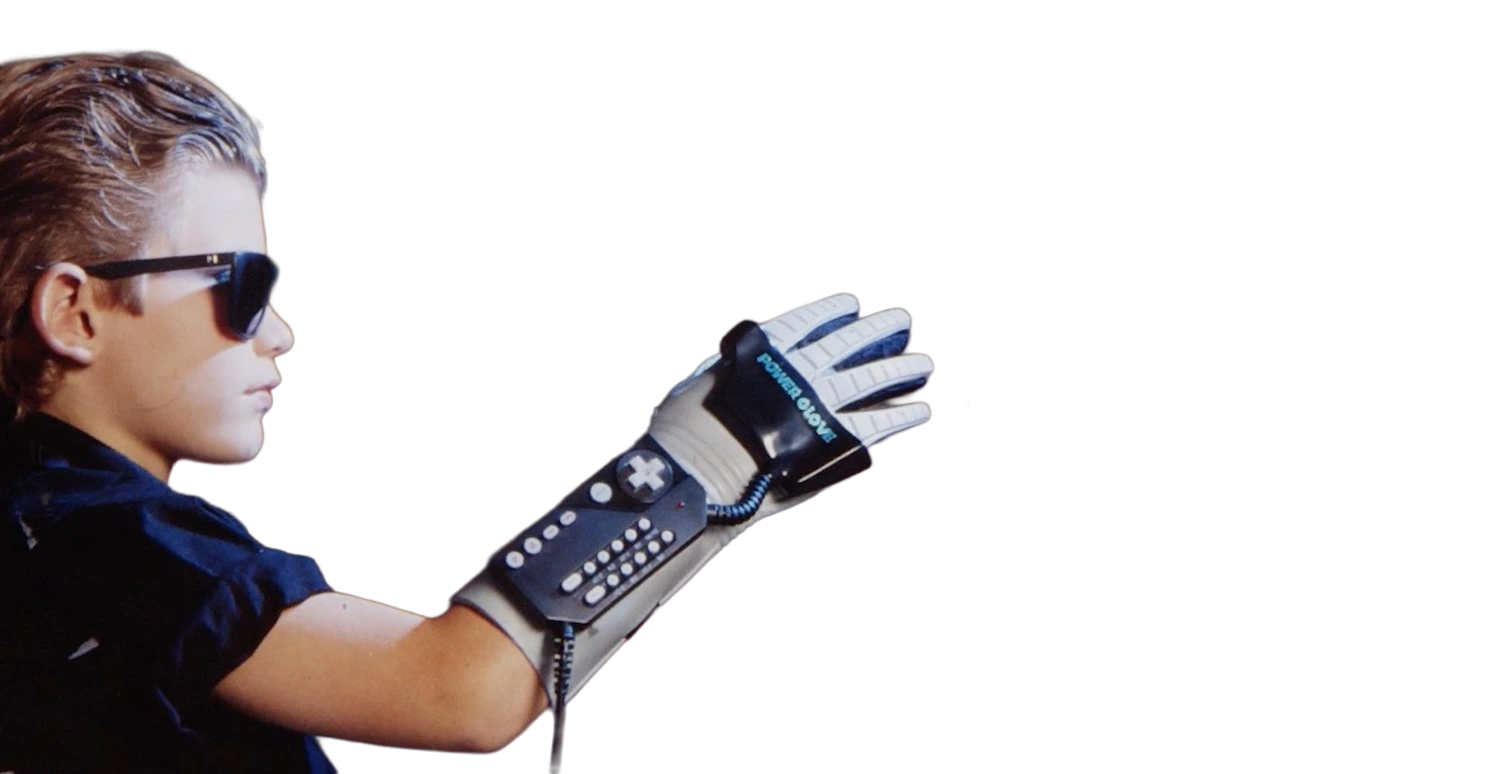
Interaction meant suiting up. The Power Glove was expensive and tethered, and the machine, not the hand, was the focus.
2010
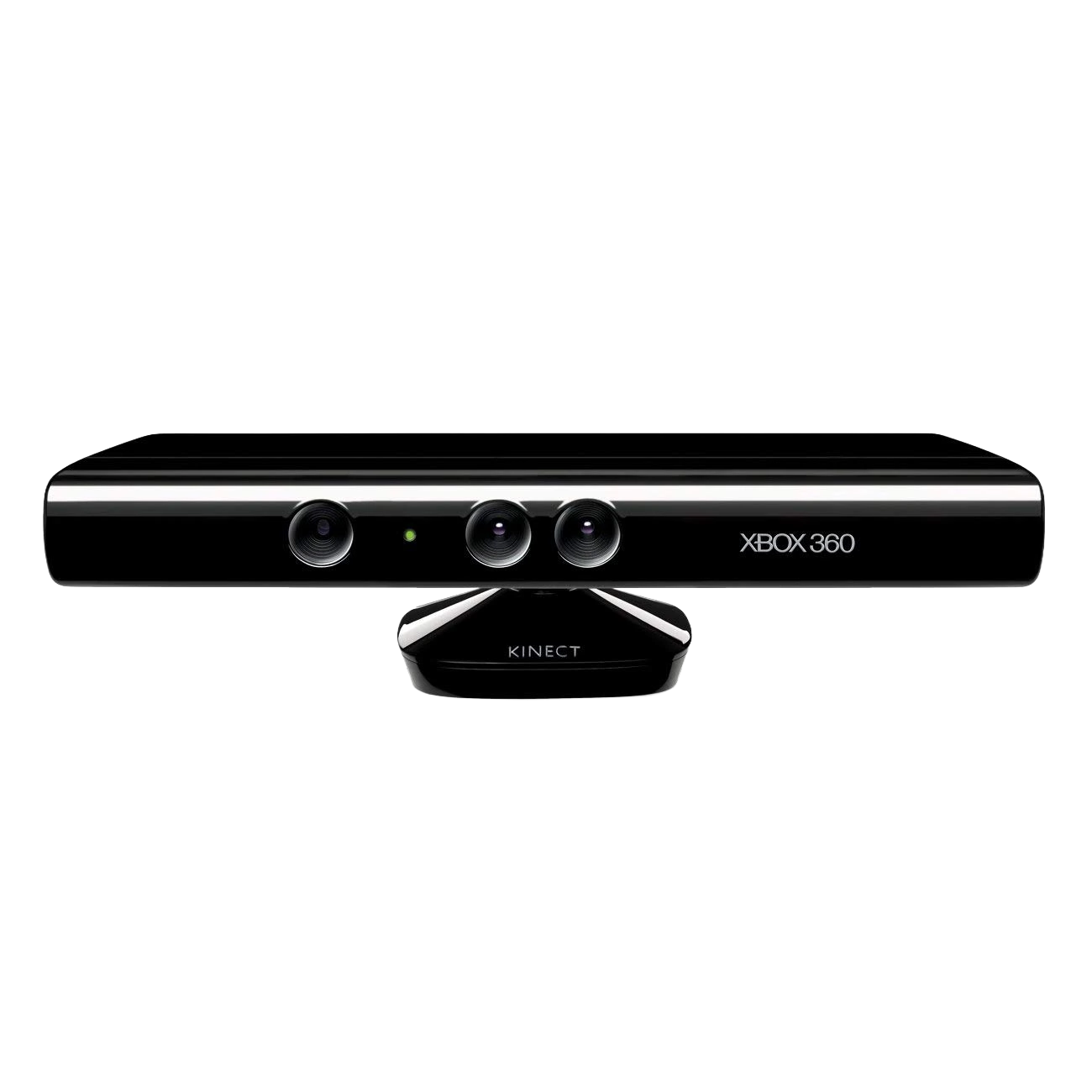
The Kinect dropped the glove but still read the room with a special depth sensor.
Today
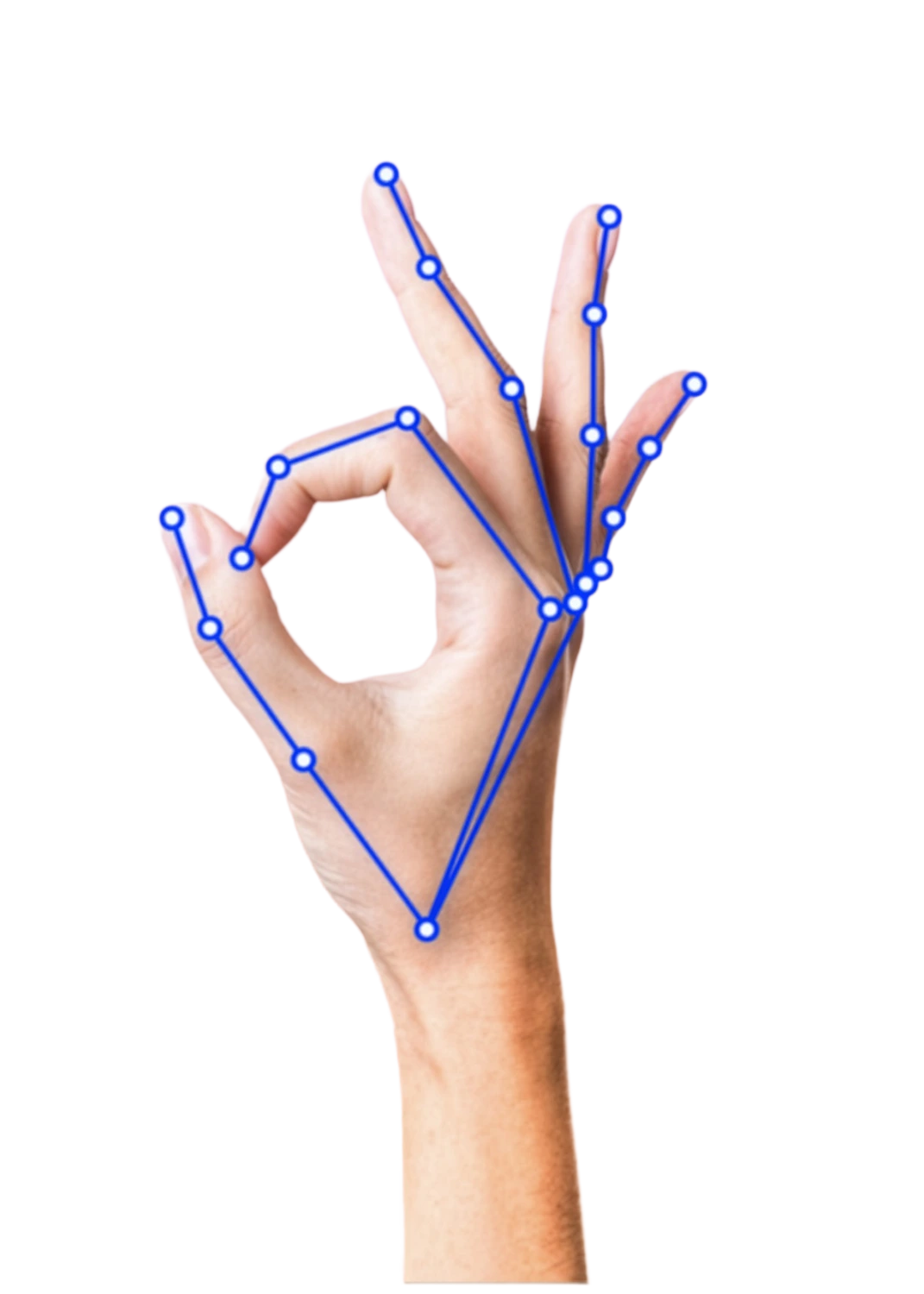
A standard webcam is enough. Machine learning finds the hand in plain RGB video, which is what Post-Touch runs on.
The system
The canvas is the instrument, not the product. Post-Touch tracks both hands in real time and turns bare movement into painted marks. It runs at thirty frames per second, logging position, velocity, and depth for each hand. The painting is not the goal. It is the trace the research reads.
- 01CameraLaptop webcam, 30 fps, 1280 by 720
- 02LandmarksMediaPipe Hands, 21 points per hand
- 03KinematicsSpeed, depth and dwell per frame
- 04GestureOpen, pinch, fist, point
- 05BrushWidth, alpha, pigment, then canvas
Gestures
A vocabulary the hand already knows. Nothing here has to be learned. The system listens for gestures already in the body, so a first time participant can begin without instruction. This is the principle of primal mimesis.

Draw
The index fingertip is tracked in real time and its position drives the paint mark.

Pinch
Sliding a pinched hand left and right maps to the colour wheel, shifting the active hue.

Fist
Both hands closing at once changes the brush, the left held still while the right advances through the set.

Open palm
The palm becomes an eraser. Any stroke within its radius is lifted from the canvas.
Closing the proprioceptive gap
Mid air has no surface to rest against, so the hand cannot feel where a mark will land. A ring anchored between the index and the thumb projects the exact point of contact and scales with the pinch aperture.
It is a small piece of pseudo haptics, a stand in for the resistance that is missing, and it resolved the disorientation almost immediately.
Brushes
One gesture, many responses. Eight brushes are organised into three families, with a ninth neutral line kept as a control. Each answers the same movement differently, mapping depth to weight, velocity to energy, and dwell to bloom. The mapping is where kinematics becomes image.
| Brush | Family | Depth | Velocity | Dwell |
|---|---|---|---|---|
| Glow | Mark | Stroke weight | Blur radius | Core opacity |
| Blossom | Mark | Branching count | Petal scale | Bloom radius |
| Ribbon | Mark | Nib width | Nib angle | Ink density |
| Neon | Mark | Glow spread | Strobe frequency | Core thickness |
| Scatter | Wet | Particle size | Spread radius | Particle count |
| Watercolor | Wet | Wash opacity | Edge graining | Bloom delay |
| Electric | Atmospheric | Branch depth | Arc frequency | Residual glow |
| Constellation | Atmospheric | Node density | Edge length | Star magnitude |
The record
Nothing is summarised at capture. One row is written every frame, and every frame is kept whole, so a session can be replayed, measured, and set beside another. Sessions export as JSON and CSV, about 1800 frames a minute at 30 fps.
| Field | Type | Holds |
|---|---|---|
| timestamp | number | ms since session start |
| index.x / .y | number | canvas space position, 0 to 1 |
| index.z | number | depth relative to the wrist |
| velocity | number | px per frame, Euclidean |
| gesture | string | draw, lift, pause or fist |
| brushType | string | the active brush |
| pinchAperture | number | thumb to index span, normalised |
| strokeId | number | monotonic stroke counter |
The ribbon follows one session across sixty seconds, with the brush in use, the gesture held, and the speed of the hand. Read back across early sessions, the move from draw to lift is by far the most frequent, the open palm pause for erasing is occasional, and a closed fist always marks a deliberate change of brush. The painting is only the surface. The record beneath it is what the study reads.
−0.81
Velocity against dwell. The faster a brush runs, the less it lingers, so how fast the hand travels and how long it stays are enough to tell the brushes apart. Depth carries weight as well. Use of the z axis runs about three times higher in Blossom than in Glow sessions.
| Brush, fastest first | Mean velocity | Dwell |
|---|---|---|
| Electric | ||
| Neon | ||
| Constellation | ||
| Glow | ||
| Ribbon | ||
| Blossom | ||
| Scatter | ||
| Watercolor | ||
| Vapor |
Where the hand goes, and for how long. Plotting every tracked landmark across the canvas, 54,000 frames in all, draws a clear map of effort. The hand returns again and again to an ergonomic sweet spot a little left of centre and around chest height. Reach to the far corners, the extended reach zone at the upper right, is brief and falls away as fatigue sets in, which is exactly where a reach guideline has to do its work.
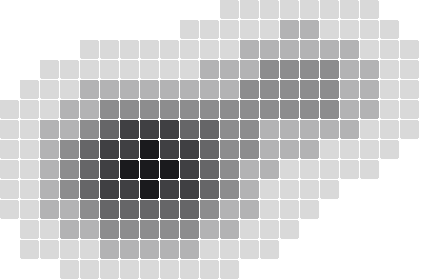
Stroke duration sorts the brushes in the same order. A typical Electric stroke lasts a fifth of a second, a Vapor stroke close to three.
Claude as a witness
When a session ends, the finished canvas and a compact kinematic summary are sent to a vision language model. It returns a short metaphorical title and a two sentence reading grounded in the body and its movement. The human gesture makes the work and the machine reads it afterward.
- Witness. It attends to the gesture as mark. It observes, it does not intervene.
- Interpreter. It reads only the finished trace, never the live hand.
- Authorship preserver. The expression precedes and determines the output. The reading cannot alter it.
Generator.Post-Touch is not an AI art tool. The model adds no marks of its own.
Findings
Participants consistently moved beyond the functional gesture space. They invented compound gestures the classifier never anticipated, like a slow pinch and draw to blend a wash. Four ideas carried the work. Primal mimesis, the reticle as pseudo haptics, the mapping of kinematics to visual form, and the machine as a respondent rather than a generator.
Expressive gesture is not functional gesture performed artistically. It is a distinct register, marked by continuous modulation, spatial exploration, and rhythmic variation.
The synthesis
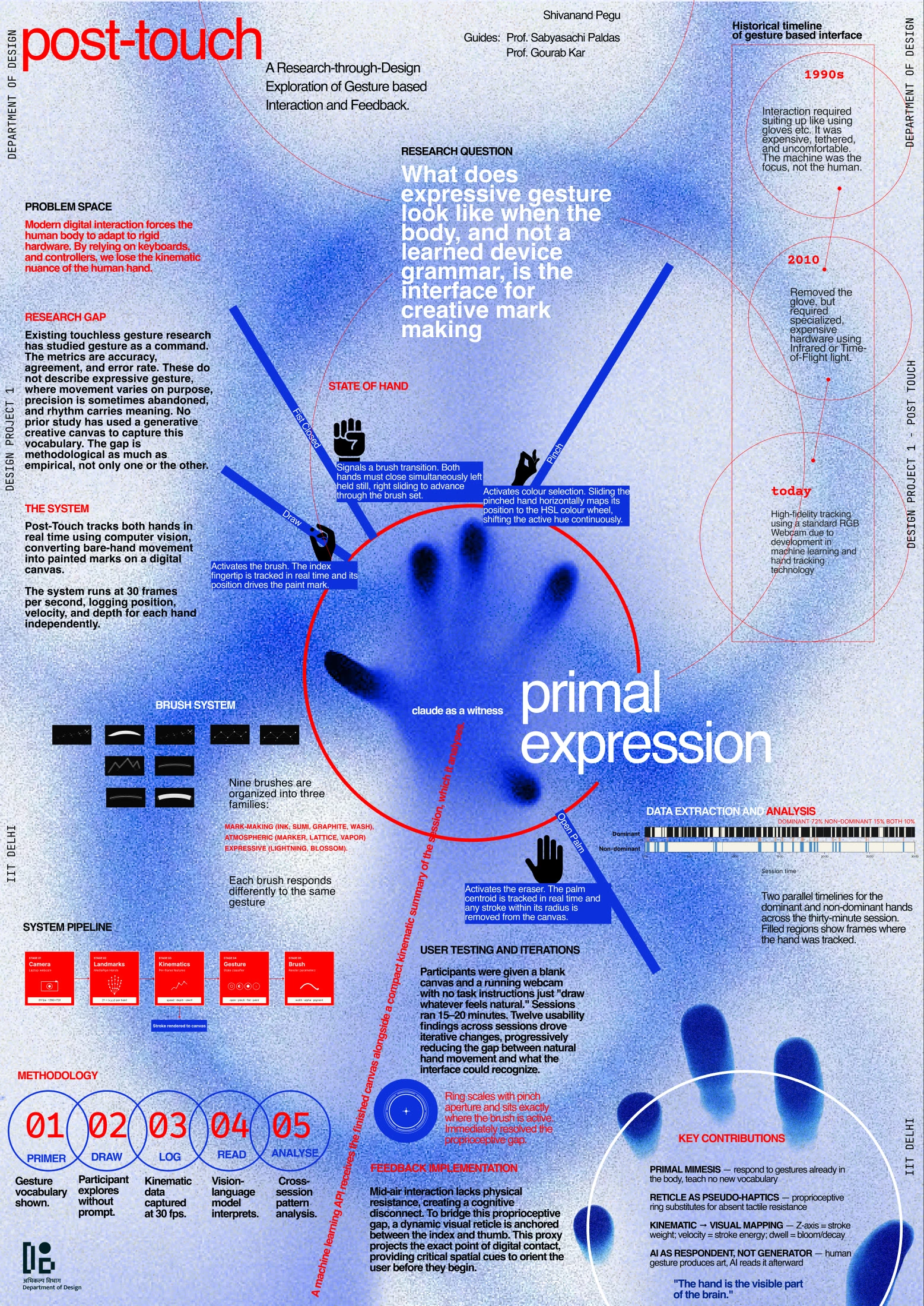
The final poster gathers the pivot, the system, and the early findings onto one sheet. It is reproduced here as it was presented, and it opens at full resolution in a new tab.
Outputs
Four deliverables come out of the project. Two are built, and two are still pending.
- D1Kinematic heatmapInstrument built
- D2Spatial lexiconData collection pending
- D3Kinematic to visual mappingsPrototype implemented
- D4Universal reach guidelinesAnalysis pending